
break reminder for Mac
GlanceAway
A break reminder for Mac that actually makes you look away.
GlanceAway is a break reminder for Mac and iPhone: 20-20-20 eye breaks, a calm full-screen overlay, menu bar controls, and breaks that wait during video calls.
Free on the App Store. Optional premium features may be available in the app.
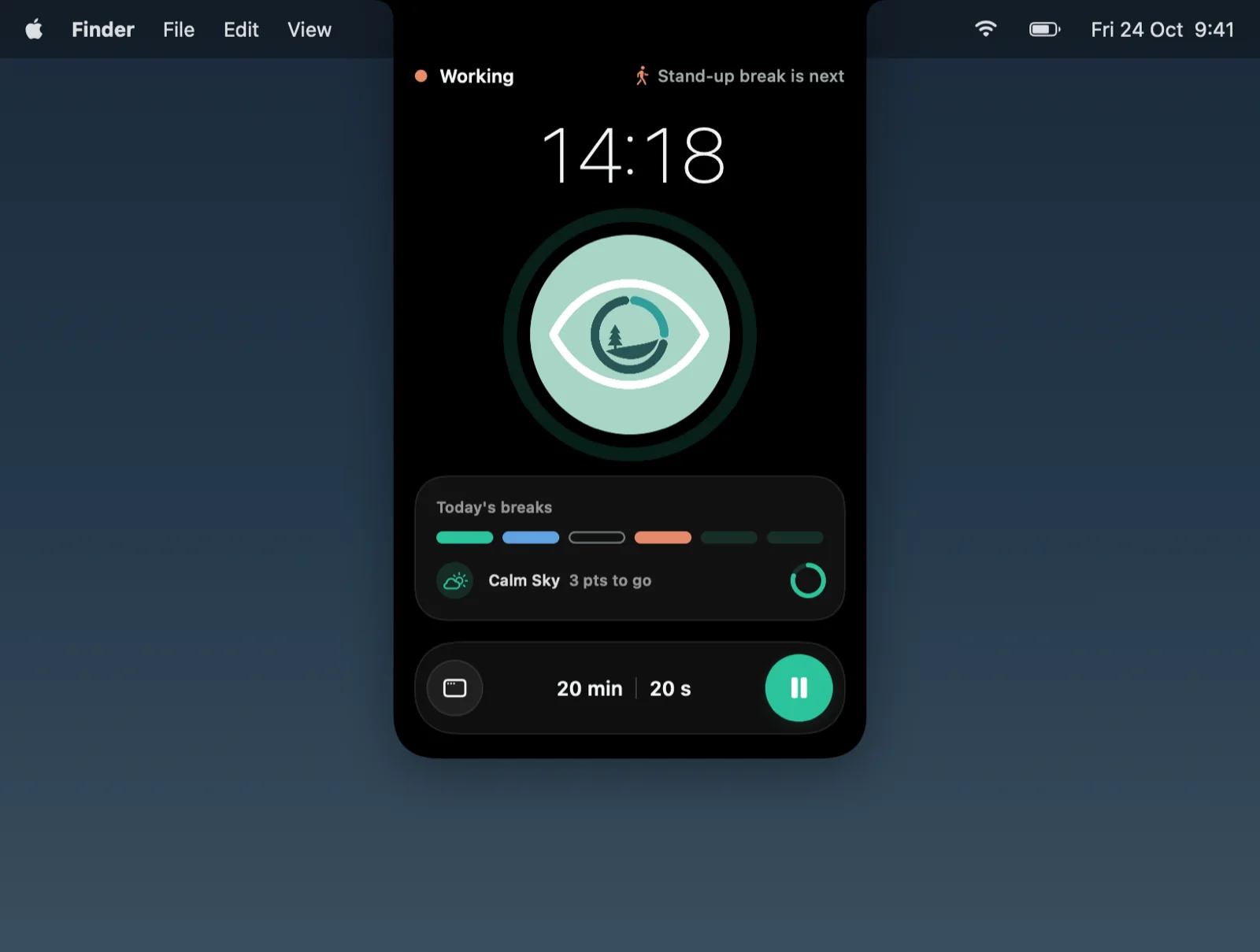
Product view
A small break reminder for healthier screen habits.
The app is intentionally simple: set a rhythm, stay in your flow, and let GlanceAway create moments where your eyes can reset.
01
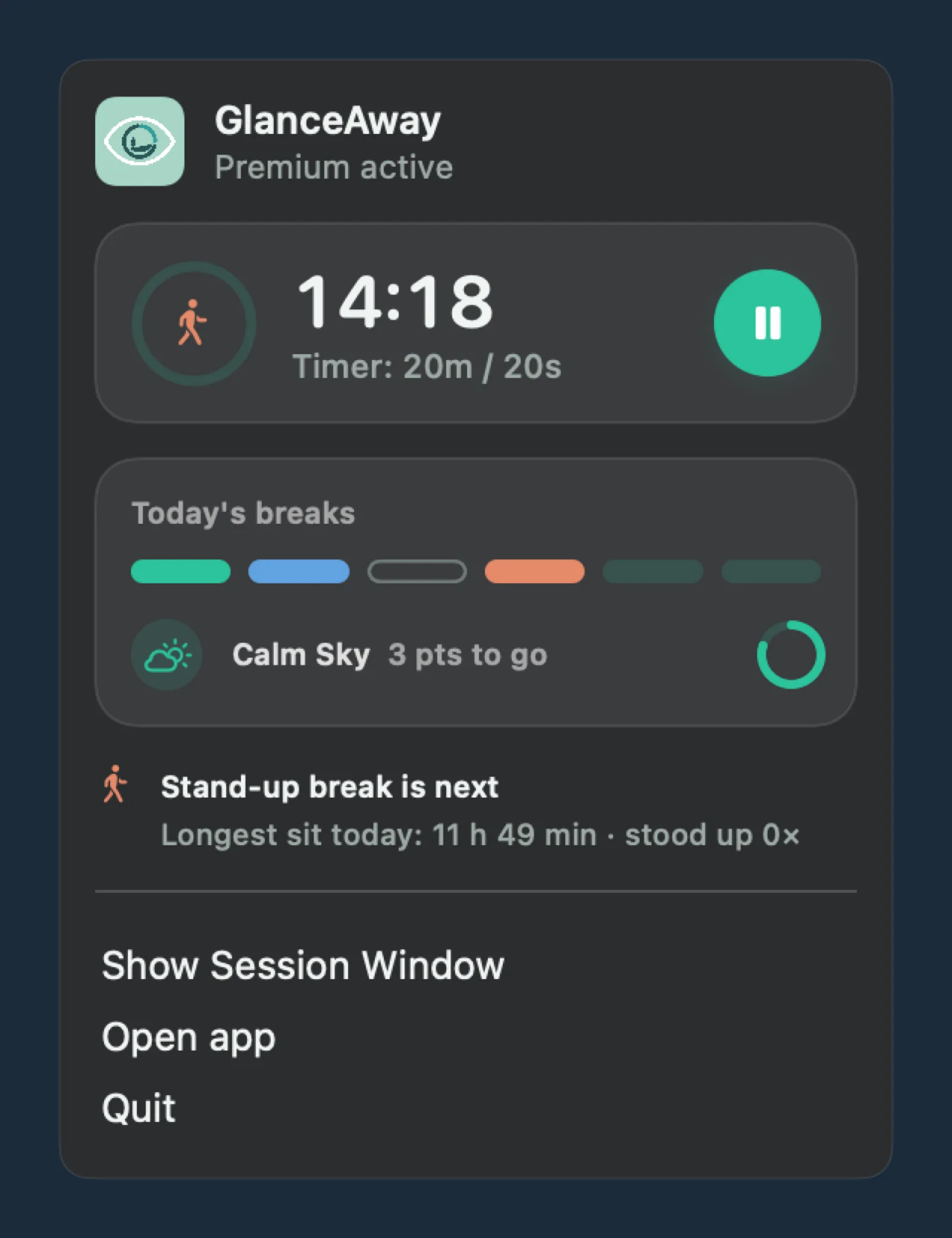
Lives in your Mac menu bar
Start, pause, or check the next break from the menu bar. A heads-up comes 30 seconds before each break, and you can snooze when you are mid-sentence.
02
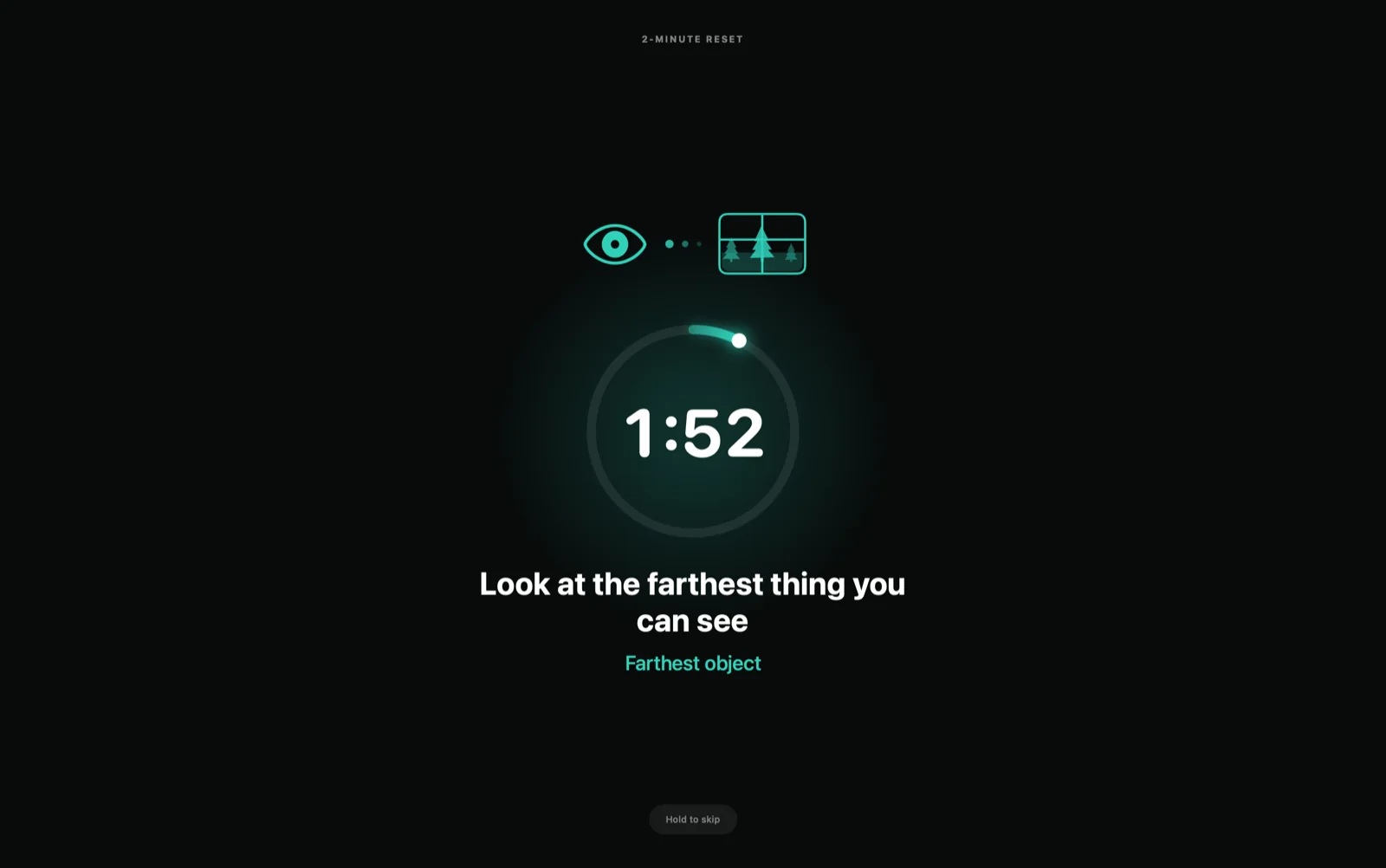
Take the break when it matters
A calm full-screen break makes the reminder obvious, so you actually look away instead of dismissing another tiny alert. During video calls, breaks wait until you are done.
03
Track consistency over time
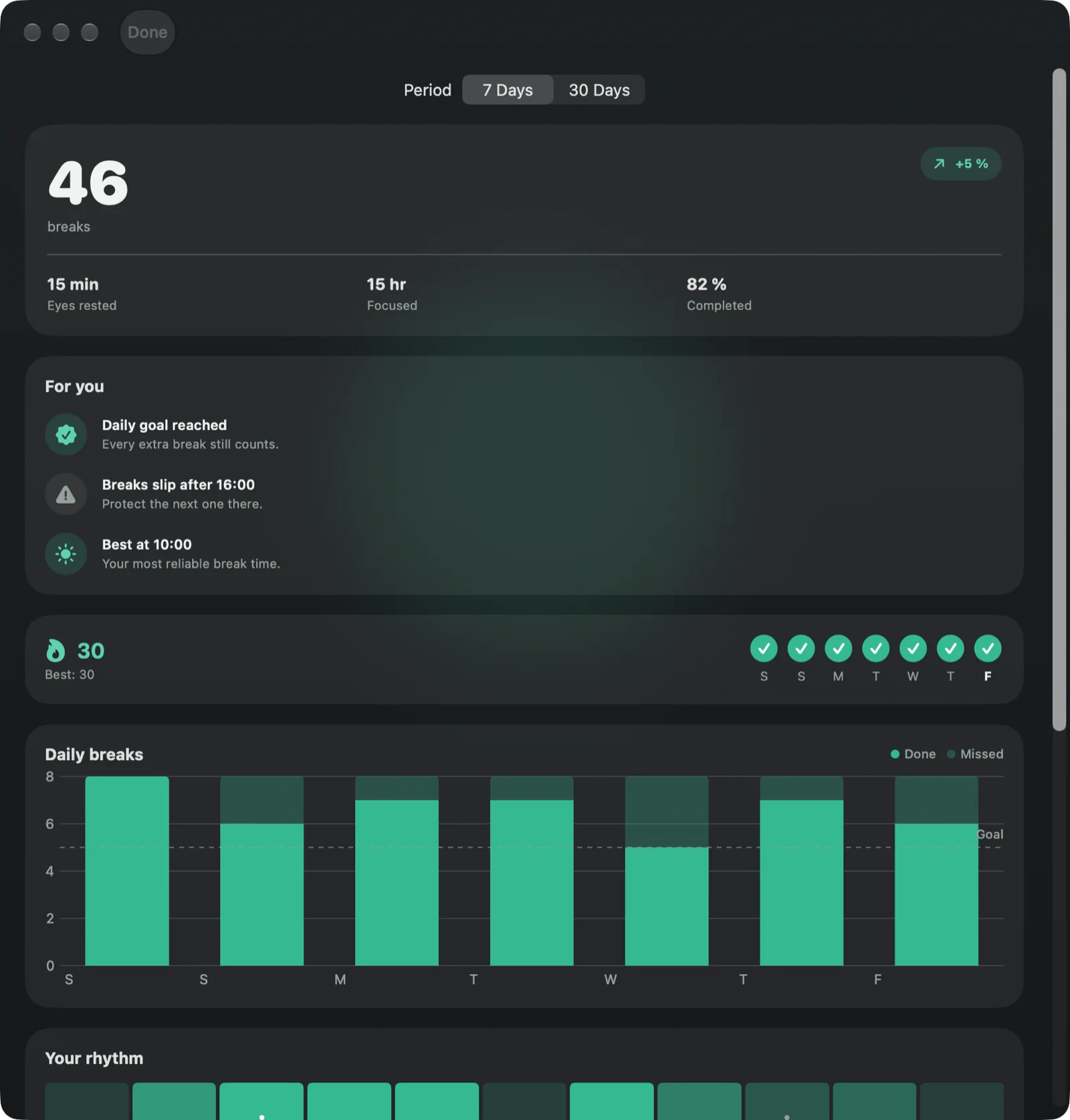
Stats show breaks taken, completion rate, streaks, and the time of day your breaks start to slip, so the habit becomes visible.
How GlanceAway fits into your day
01
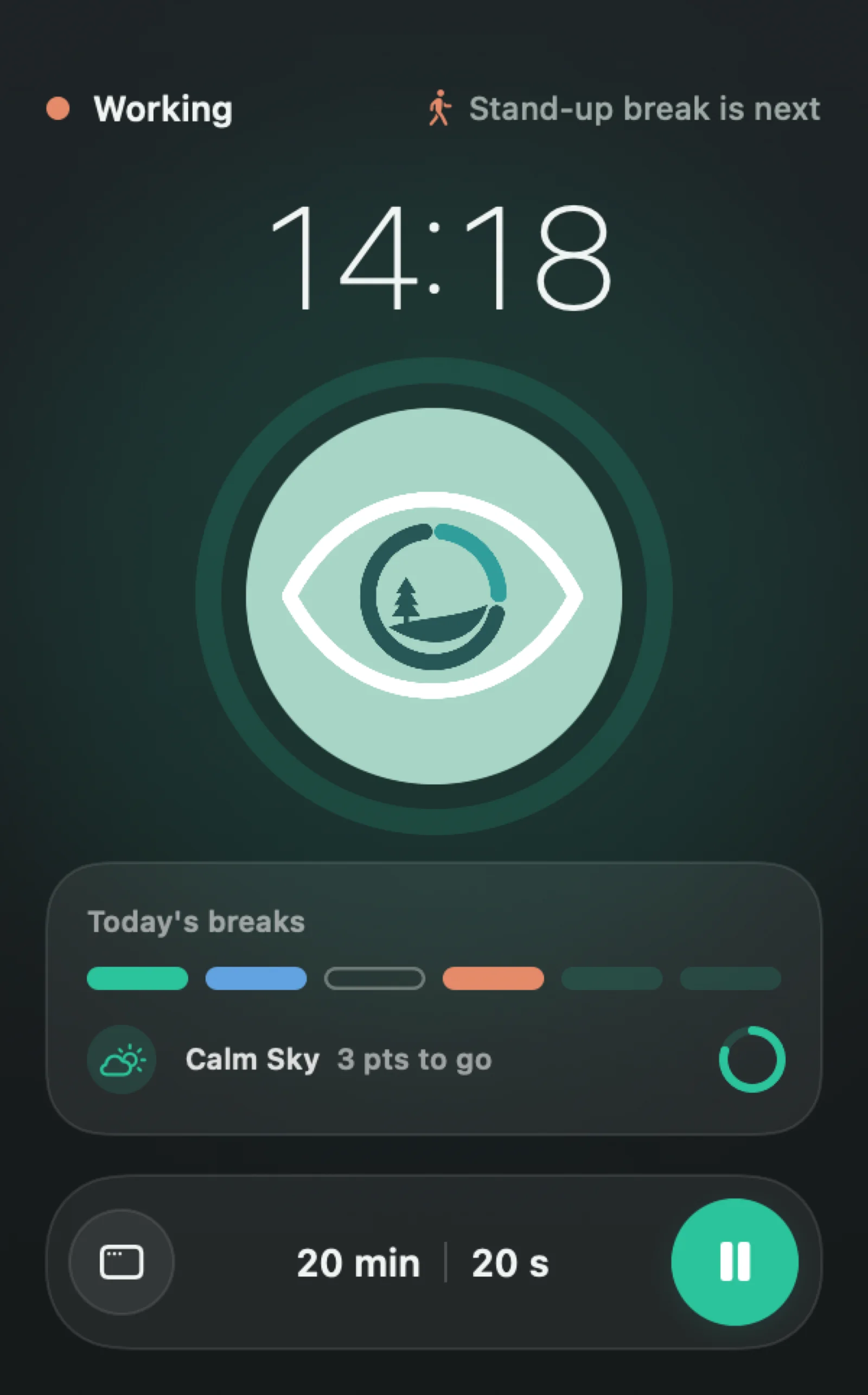
Choose your rhythm
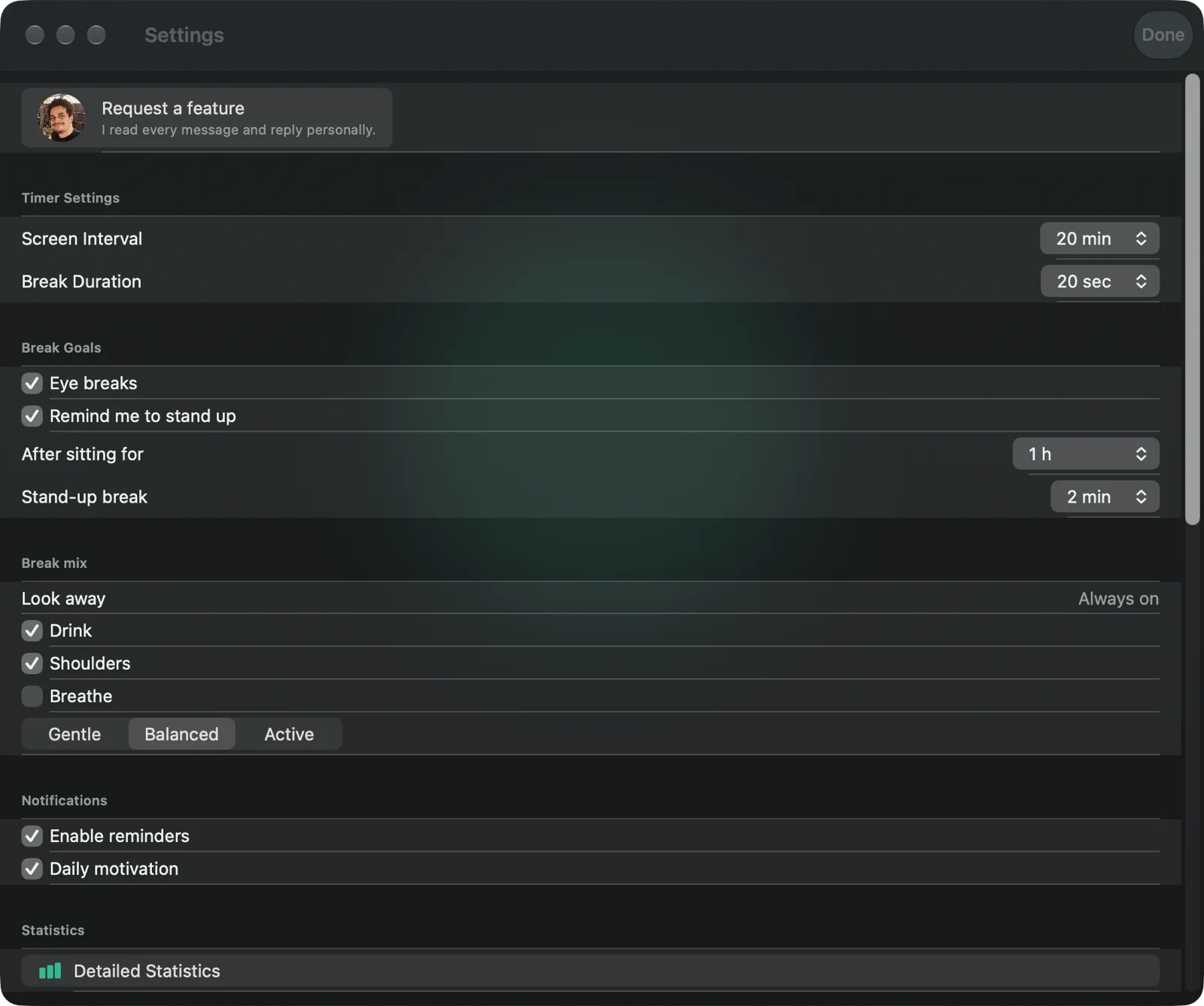
Start with the classic 20 minute focus and 20 second eye break cadence, or adjust the interval to match your work.
02
Work without babysitting a timer
Let gentle reminders do the timing while you keep reading, coding, writing, studying, or working at your desk.
03
Review your progress
Use the stats view to see whether you are actually taking breaks and where your screen routine can improve.
Private by design
GlanceAway keeps timer settings, session history, statistics, and reminder preferences on your device. After a cancelled session, an optional anonymous Tally survey may collect the answers you choose to submit, without asking for your name or email address. Purchase validation and privacy-focused product analytics may be handled by Apple, RevenueCat, and TelemetryDeck without advertising tracking.
FAQ
Common questions before you install.
Does GlanceAway work as a break reminder on Mac?
Yes. On Mac, GlanceAway runs from the menu bar, shows a full-screen break overlay, warns you 30 seconds before a break, and holds breaks while you are in a video call. The same app also runs on iPhone and iPad.
What is the 20-20-20 rule?
The 20-20-20 rule is a common screen-break habit: after about 20 minutes of screen time, look at something roughly 20 feet away for about 20 seconds.
What is an eye break timer app?
An eye break timer app reminds you to pause during long screen sessions, rest your eyes, and build a repeatable screen-break rhythm.
Does GlanceAway need an account?
No. GlanceAway is built as a lightweight utility without requiring an account for the core screen-break workflow.
Ready to try GlanceAway?
Install the break reminder for Mac and iPhone from the App Store and start with a simple 20-20-20 rhythm.