bedtime app blocker and screen time pause
NightLock
A bedtime app blocker for stopping late-night scrolling.
NightLock is a bedtime app blocker and screen time pause for protecting a bedtime window, choosing late-night scroll apps, and adding one deliberate pause before they open.
Built for iOS and Android. Store links will be added here when the public listings are live.
Product view
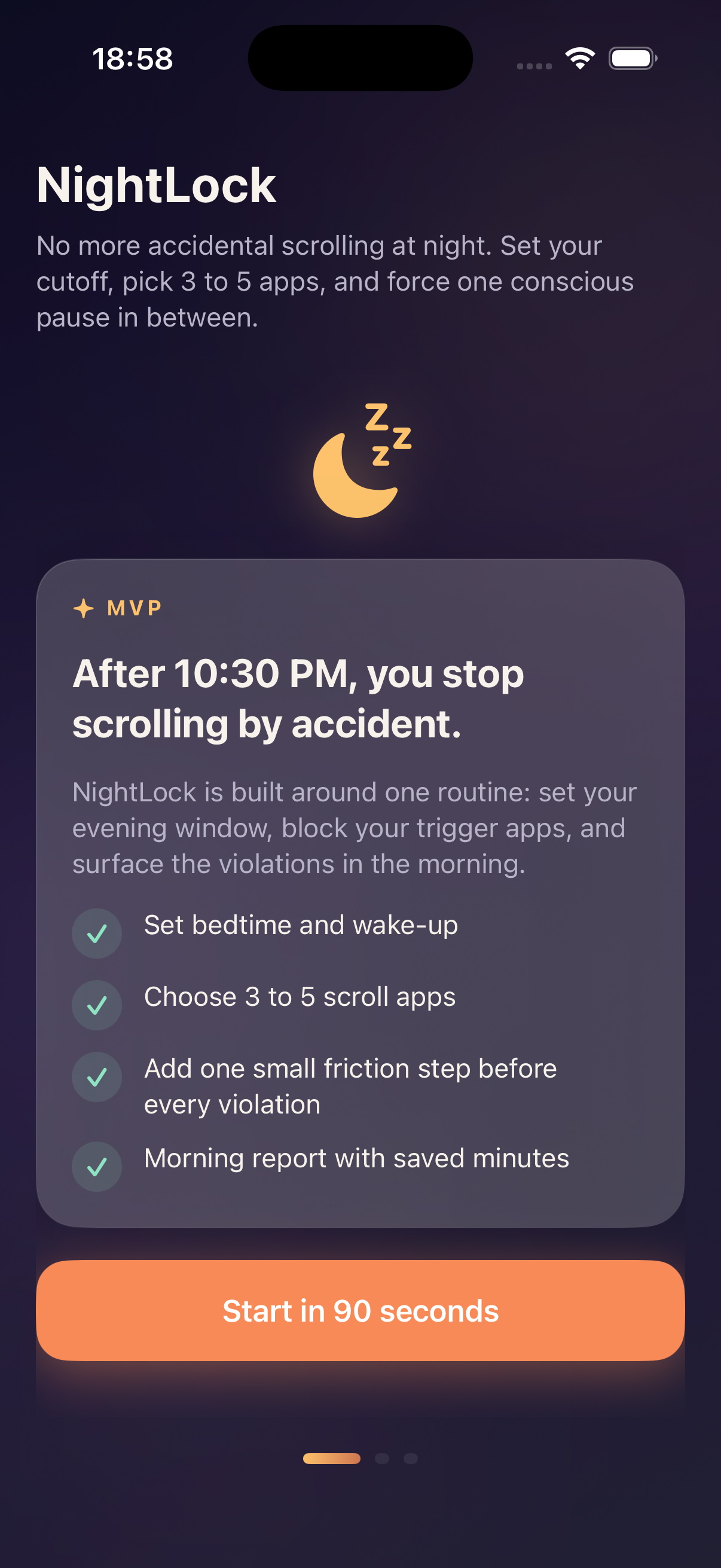
A narrow bedtime blocker for the apps you open on reflex.
NightLock keeps the system intentionally small: set a window, protect a few trigger apps, and review what happened the next morning.
01
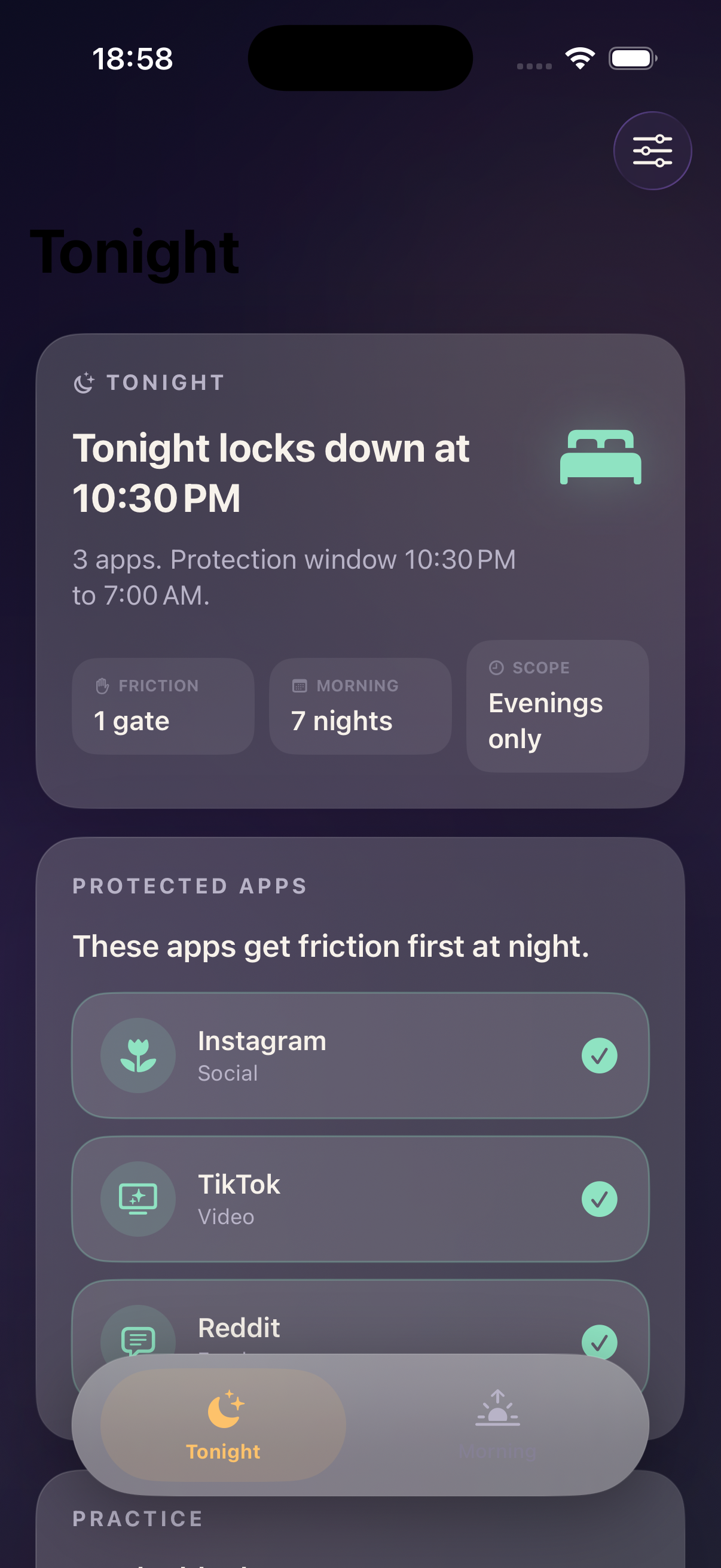
Define your night window
Choose when protection starts and ends so NightLock focuses on the hours where accidental scrolling usually costs sleep.
02
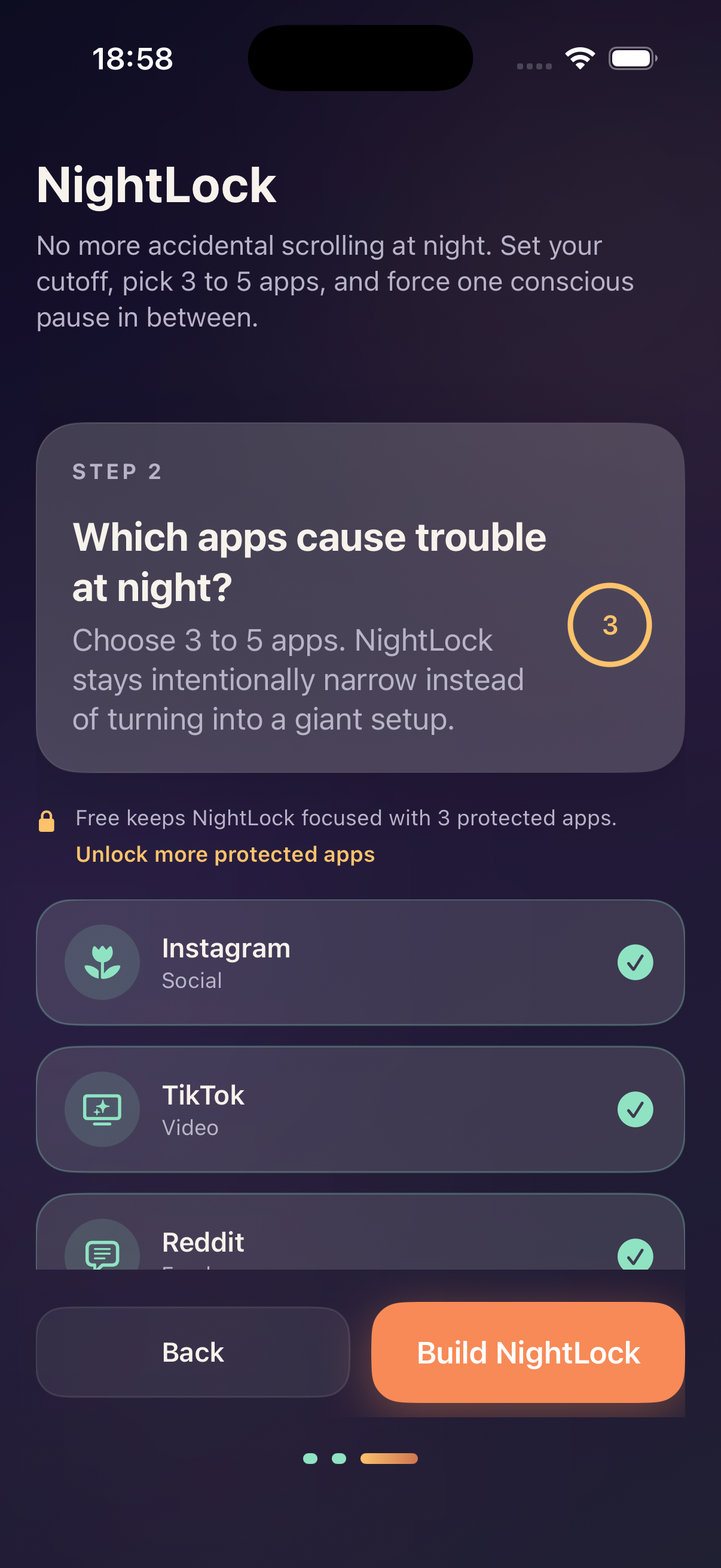
Pick the apps that pull you in
Keep the protected list focused on the social, video, or browser apps you tend to open automatically at night.
03
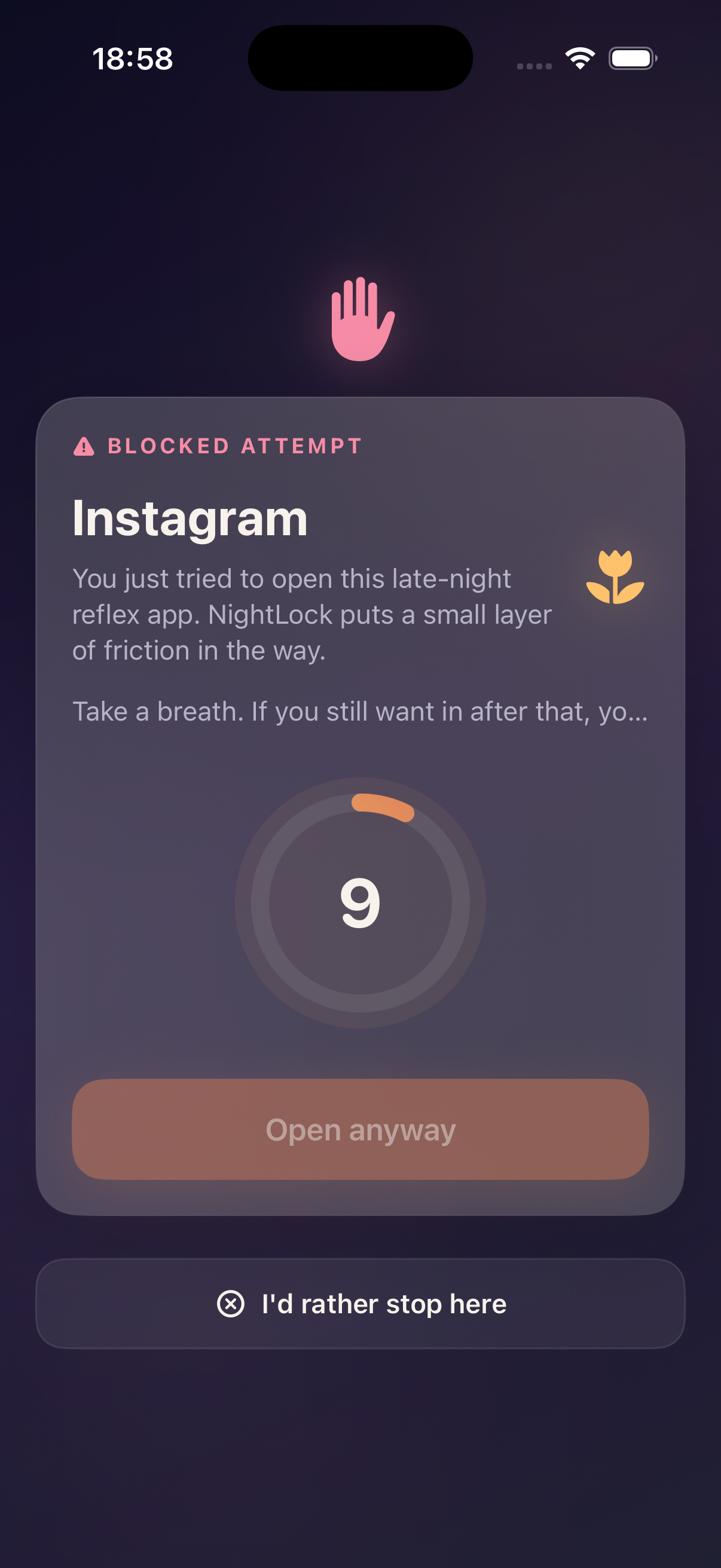
Add friction before the scroll
NightLock places a pause between the reflex and the app, then records stopped attempts and slips for the morning report.
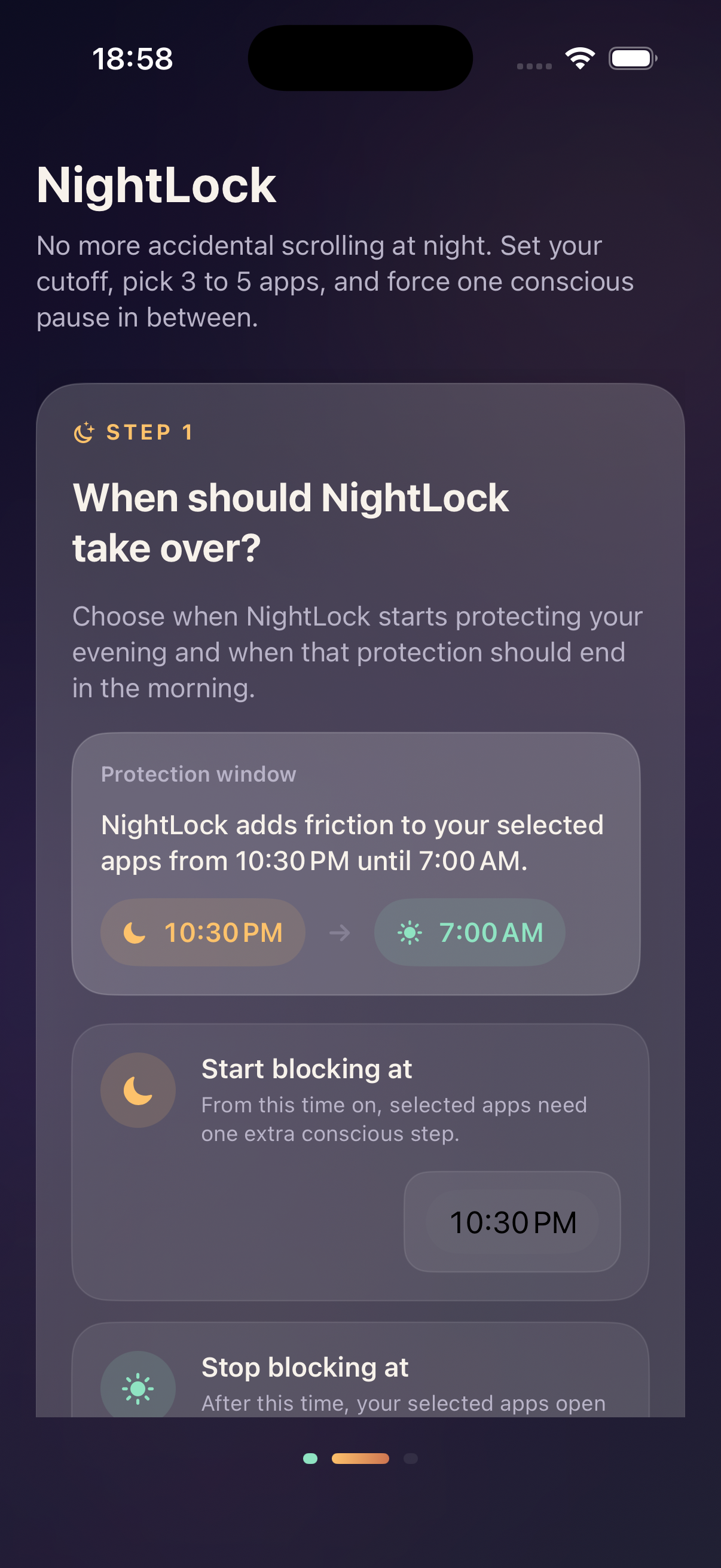
How NightLock fits into a bedtime routine
01
Set the evening boundary
Pick a realistic bedtime window, such as 10:30 PM to morning, and let the app handle that repeated schedule.
02
Protect only the risky apps
Choose the apps that usually turn one quick check into a long scroll, instead of blocking the whole phone.
03
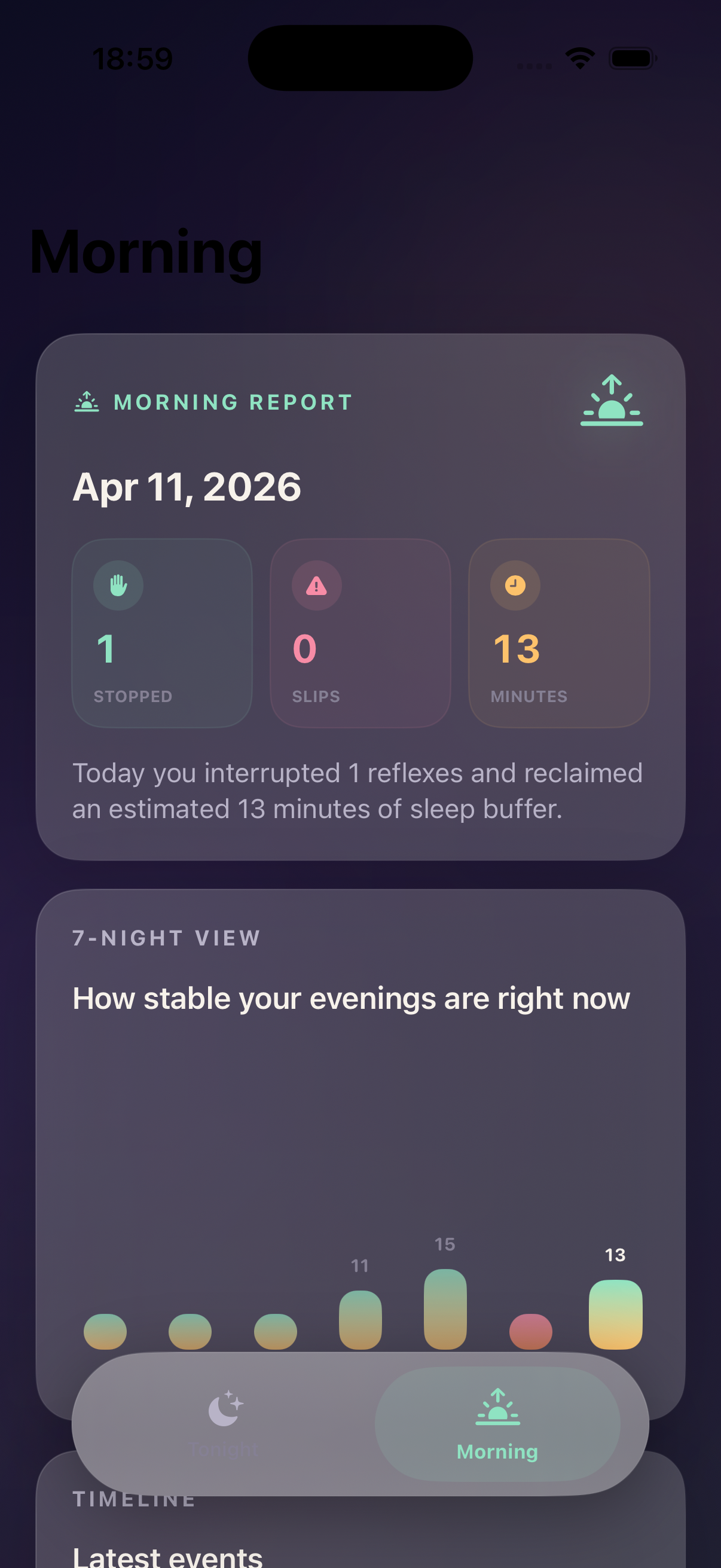
Review the morning after
Use the morning report to see where the pause worked, where you slipped, and how many minutes you reclaimed.
Local-first bedtime protection
NightLock stores your bedtime window, selected app-blocking preferences, friction mode, language preference, local morning reports, and app settings on your device. App blocking depends on platform permissions such as Screen Time on iOS or Usage Access and Accessibility on Android.
FAQ
Common questions before you install.
What is NightLock for?
NightLock is a bedtime app blocker for people who open scroll apps by accident at night and want a deliberate pause before those apps continue.
Does NightLock block every app on my phone?
No. NightLock is built around a focused protected list, so you choose the specific trigger apps that should get bedtime friction.
How does the morning report work?
The morning report summarizes stopped attempts, slips, and reclaimed time from the protected bedtime window so the habit becomes visible.
Does NightLock need special permissions?
Yes. App blocking depends on platform permissions. iOS uses Screen Time frameworks, while Android may use Usage Access and Accessibility to detect selected protected apps during the configured window.
Does NightLock read messages or screen text?
No. The Android privacy text states that the Accessibility Service checks foreground app package names for selected apps and does not read screen text, messages, passwords, or typed input.
Ready to try NightLock?
NightLock store links will be added here as soon as the public iOS and Android listings are available.