
minimalist daily journal
One Sentence
A small place for one meaningful sentence.
One Sentence is a calm, local-first journal for capturing what stays with you — by typing or using your system keyboard’s dictation.
The current test release is free on iPhone and iPad. Android and web are being prepared from the same Expo codebase.
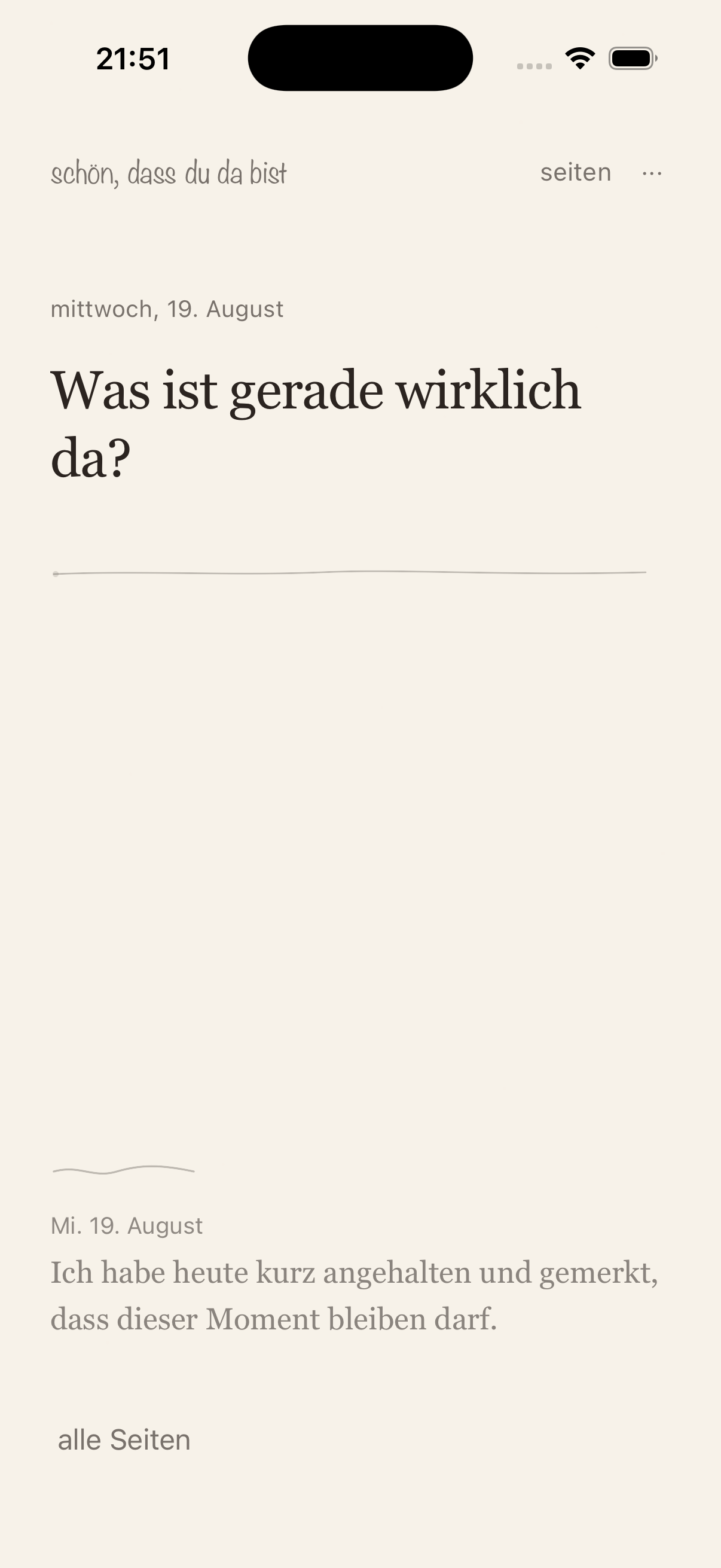
Product view
Make room for one thought.
The app opens on a quiet page, gives you a gentle prompt, and lets one sentence be enough.
01
Start with a question
A thoughtful prompt appears immediately, so there is no dashboard, streak pressure, or mandatory setup between you and the page.
02
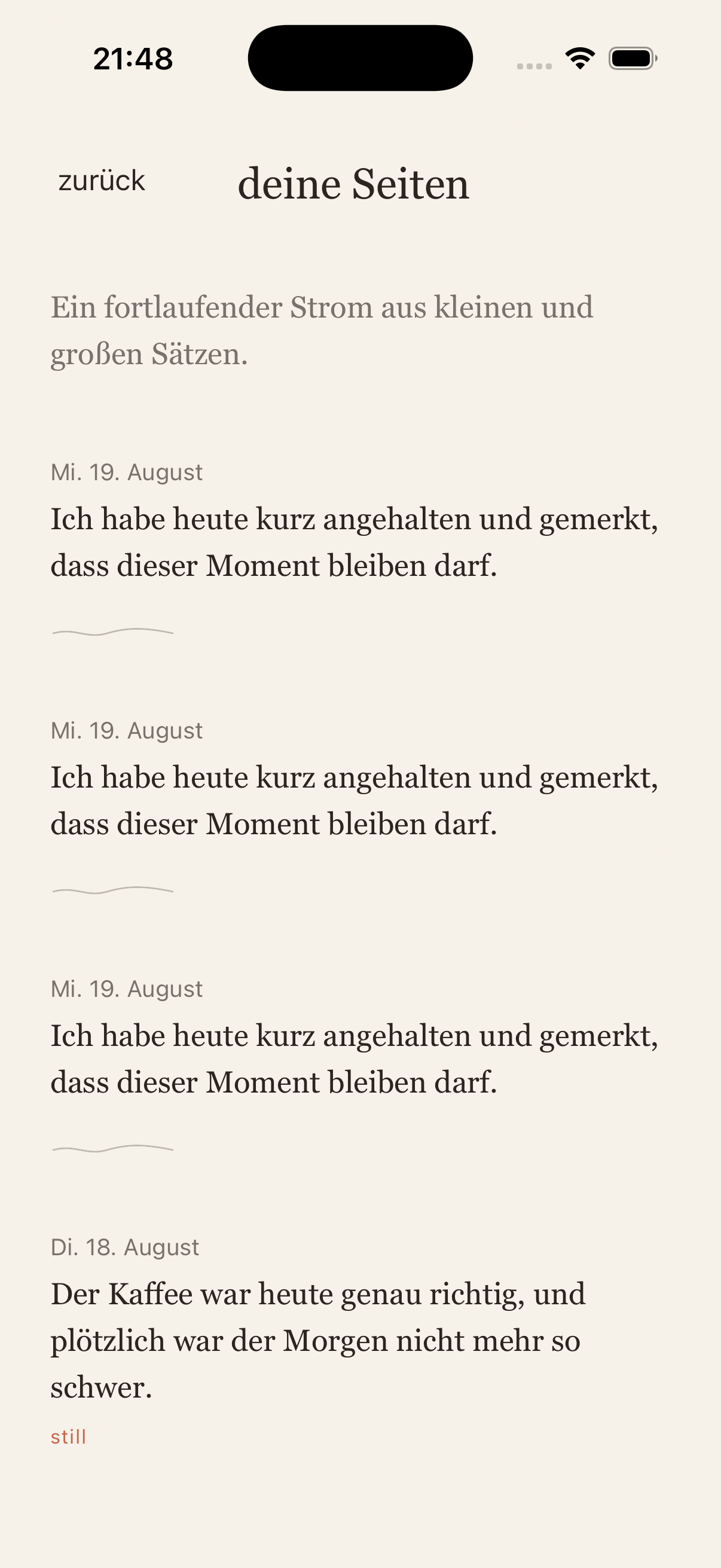
Write the way you want
Edit inline with the keyboard, or focus the field and tap the microphone on your system keyboard to dictate. One Sentence does not record audio itself.
03
Keep the thread
Saved entries flow into Pages as a calm chronological journal, with export available when you want to take your writing elsewhere.
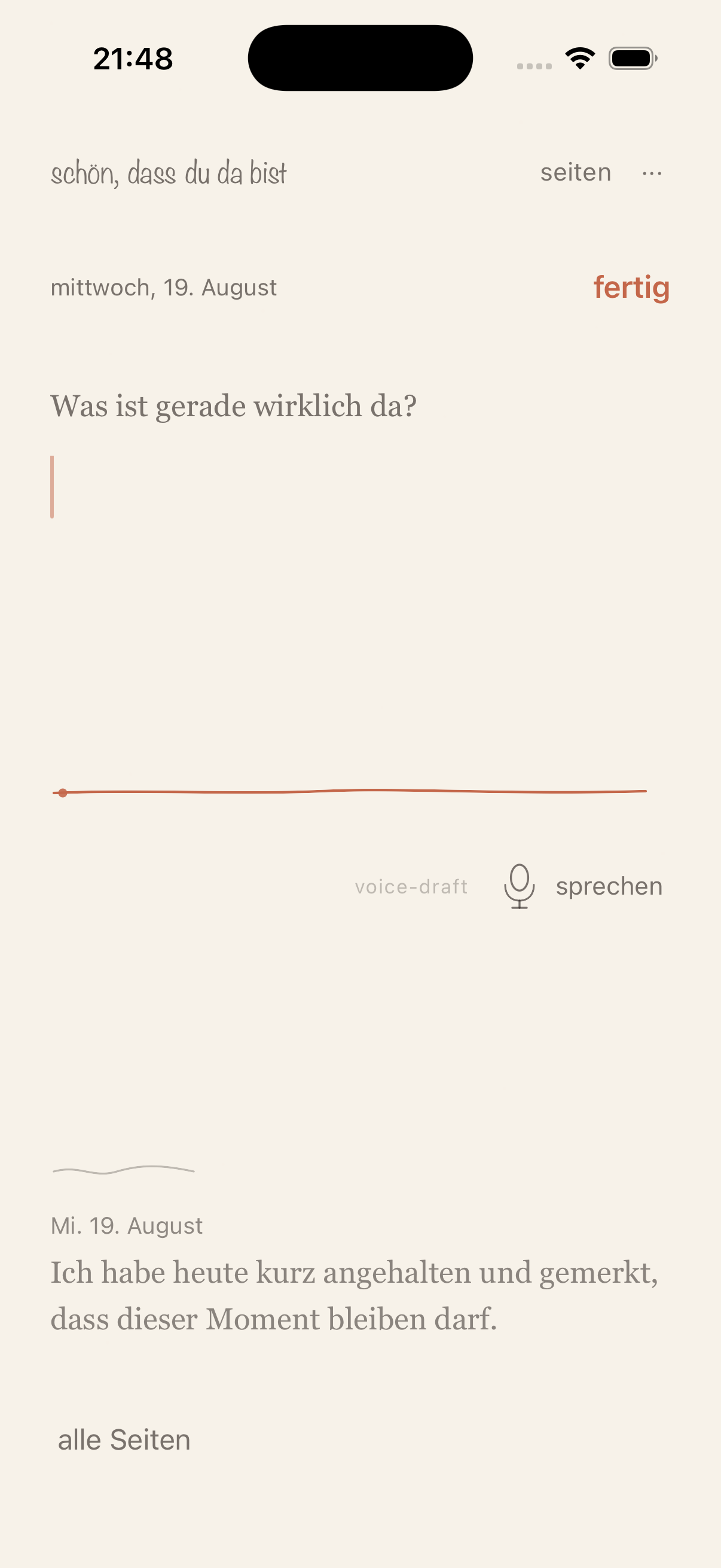
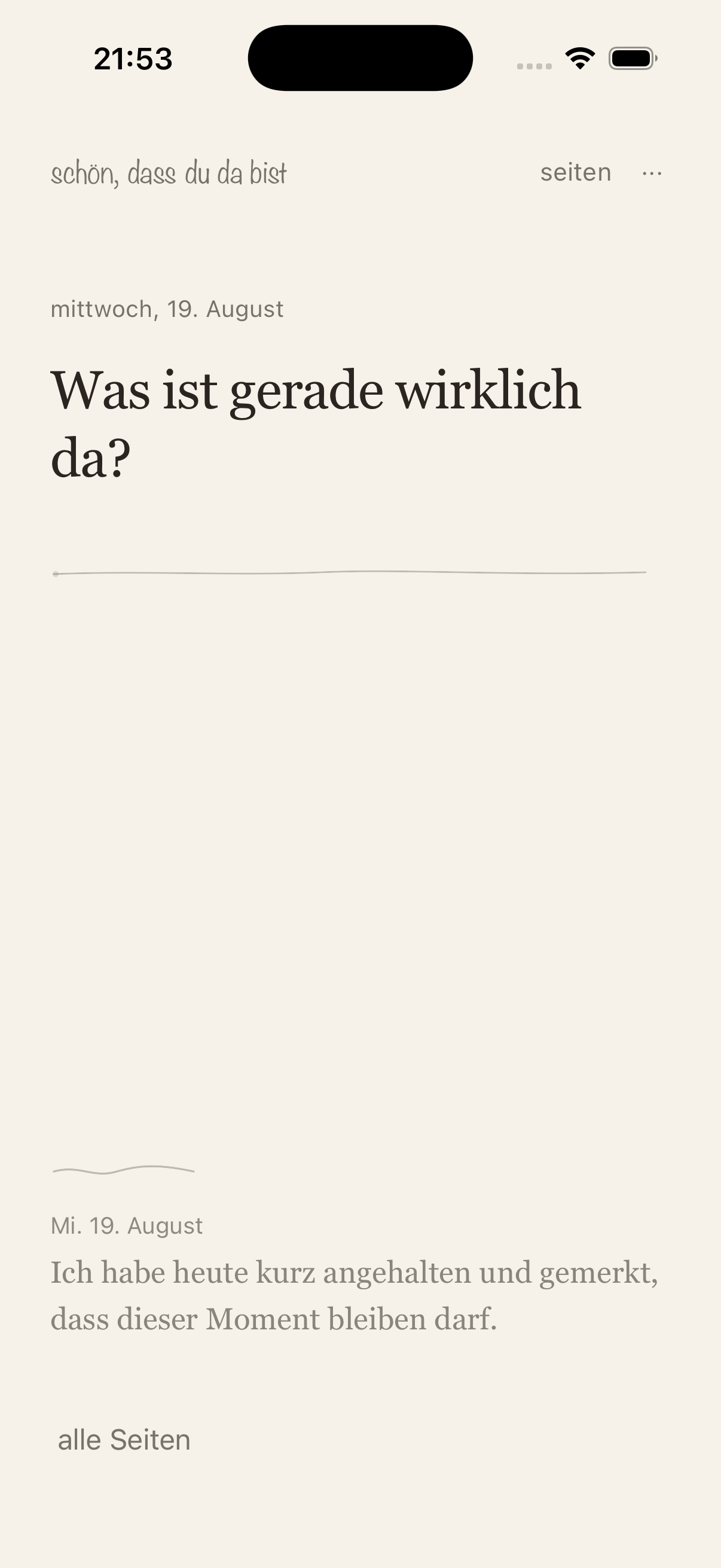
A journal loop that stays small.
01
Open the page
One prompt greets you right away. There is no account and no onboarding sequence to get through first.
02
Let the sentence arrive
Type a thought, or focus the writing field and use your device keyboard’s dictation for a hands-free start.
03
Leave it somewhere safe
Your entry stays on the device and can be revisited later in Pages, without a cloud account or an automatic upload.
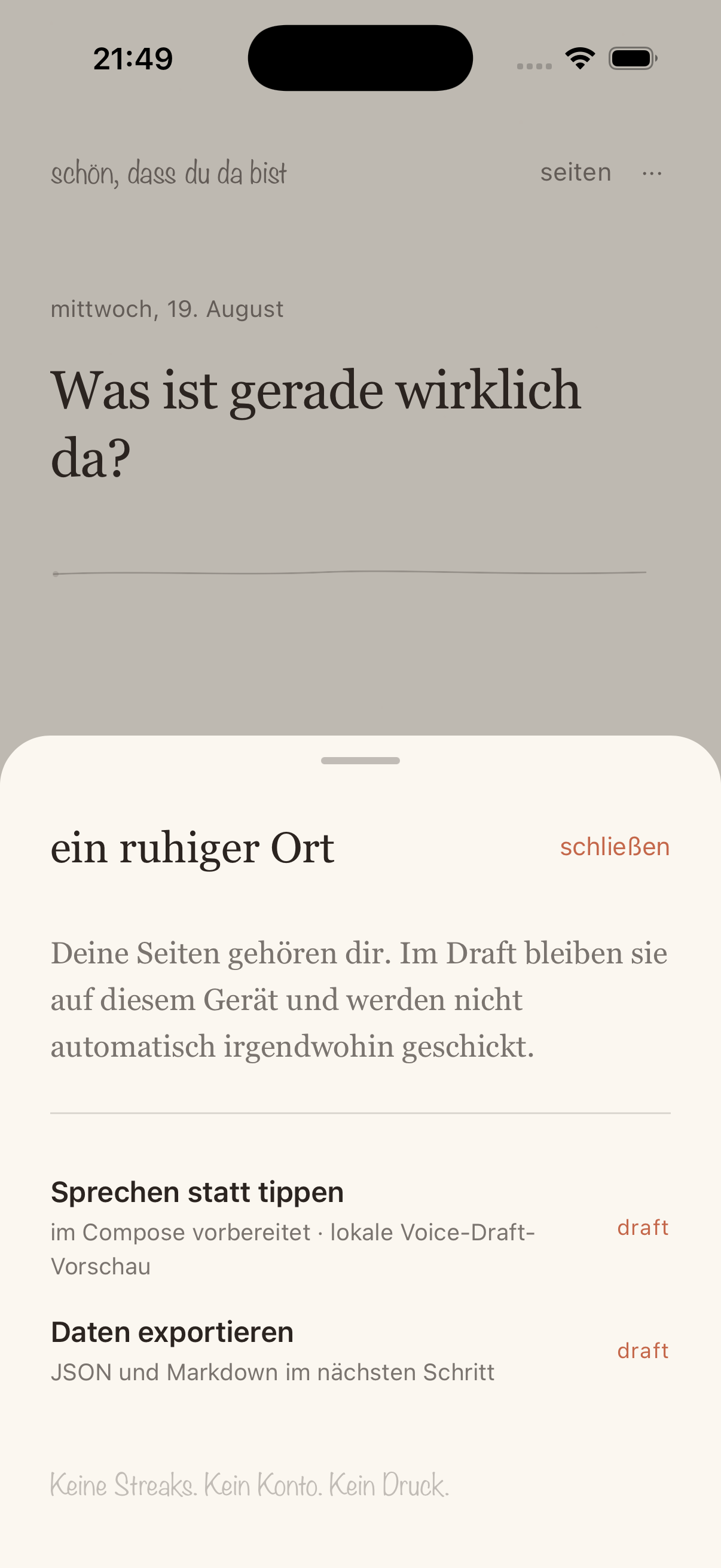
Private by design.
Entries, drafts, and selected mood stay on your device. One Sentence requires no account, records no audio, and sends no journal content to our servers.
FAQ
Common questions before you install.
What is One Sentence?
One Sentence is a minimalist daily journal for capturing one meaningful thought at a time, with a gentle prompt, inline writing, moods, and a calm archive.
Does One Sentence record audio?
No. The app does not record or upload audio. If you use voice input, your iPhone or Android keyboard handles dictation and inserts the recognized text into the writing field.
Do I need an account?
No. The current release is local-first and does not require an account, login, or automatic cloud sync.
Where are my journal entries stored?
Entries and drafts are stored locally on your device. Platform-managed backups may include app data according to your device and account settings.
Is One Sentence available on iPhone and iPad?
The current test release is prepared for iPhone and iPad. Android and web are being developed from the same React Native and Expo codebase.
Ready to try One Sentence?
A quiet page is waiting for you. The public App Store link will be added as soon as this first release is live.