savings tracker and money goals
SaveTap
A savings tracker for turning skipped spending into progress.
SaveTap is a simple savings tracker app for logging daily spending choices, building money goals, and using smart nudges to keep small wins from disappearing.
Free on the App Store. Optional premium features and subscriptions may be available in the app.
Product view
A savings tracker built around the moment of choice.
SaveTap keeps the loop concrete: log what you skipped, connect it to a goal, and let reminders catch the spending moments that usually happen on autopilot.
01
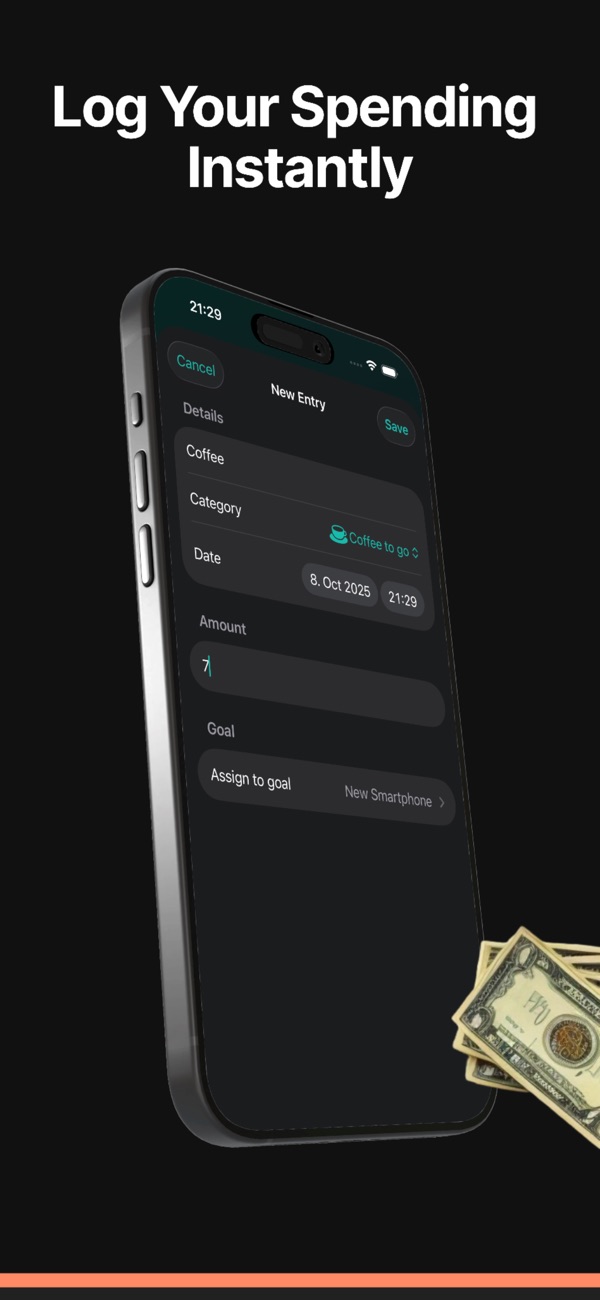
Log small savings before they fade
Add the money you chose not to spend, tag the entry, and keep everyday decisions visible as real progress instead of vague intention.
02
Give the money a destination
Create savings goals for purchases, buffers, or personal targets, then watch each logged choice move the goal forward.
03
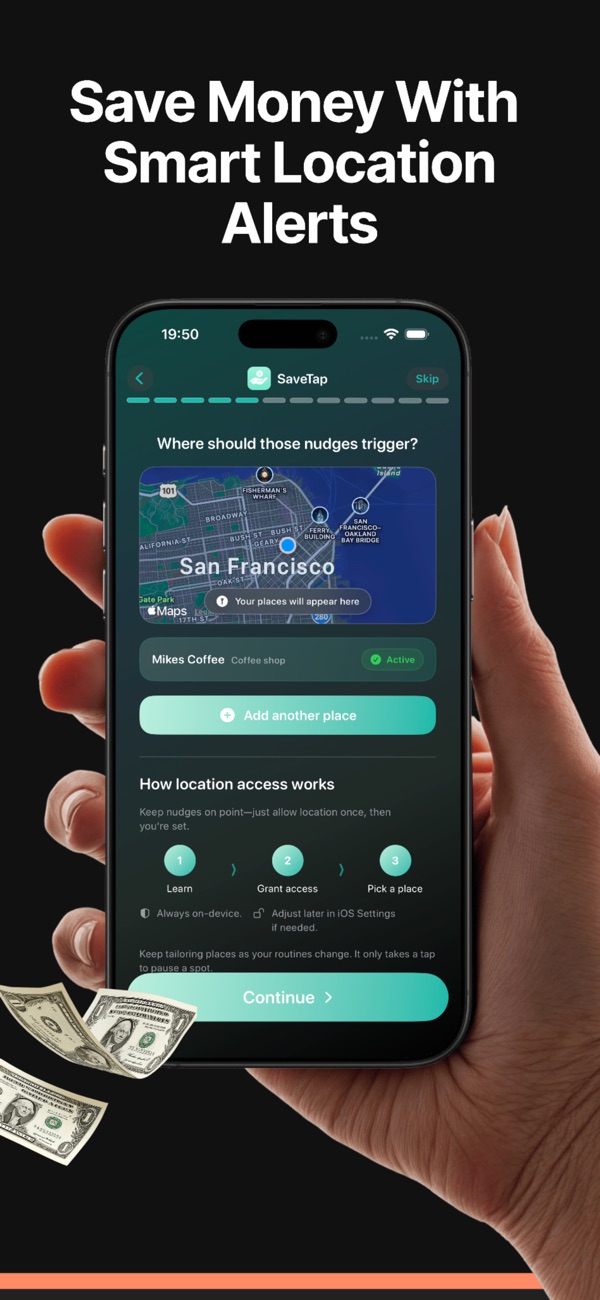
Use nudges where habits happen
Location-based reminders, scheduled cues, and habit prompts help SaveTap show up near the places where impulse spending tends to start.
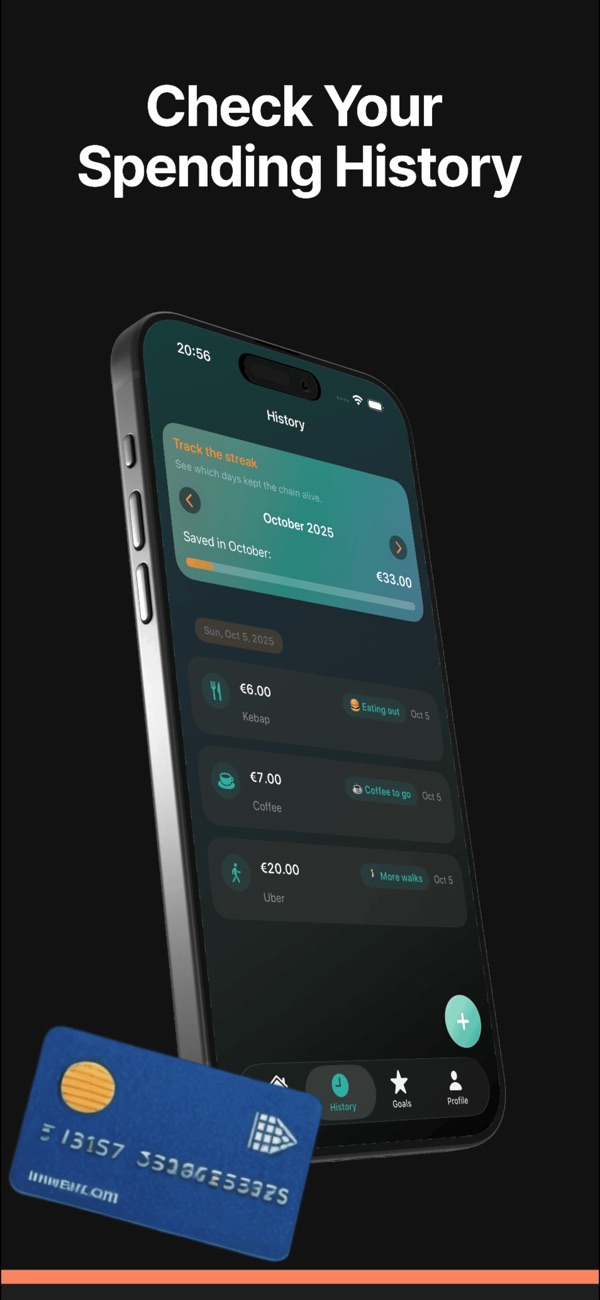
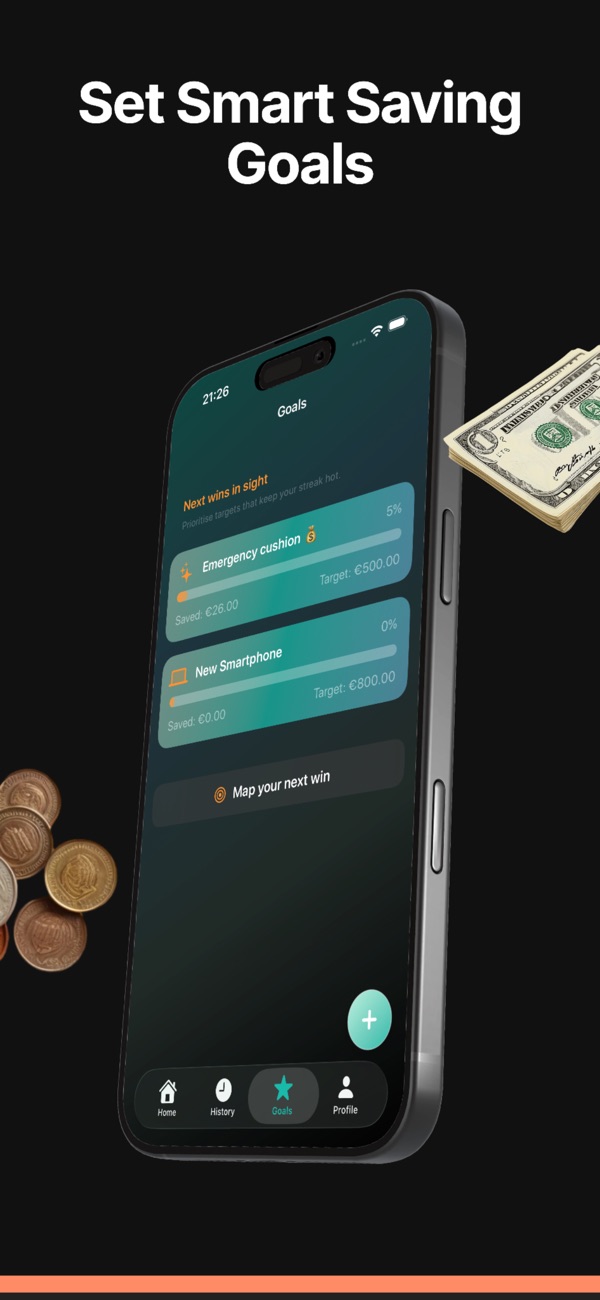
How SaveTap fits into everyday money habits
01
Set a simple goal
Choose what you are saving for and give small choices a clear target, whether it is a purchase, a buffer, or a personal challenge.
02
Tap in the moment
When you skip a coffee, delivery order, snack, or impulse buy, log the amount so the choice becomes part of your savings history.
03
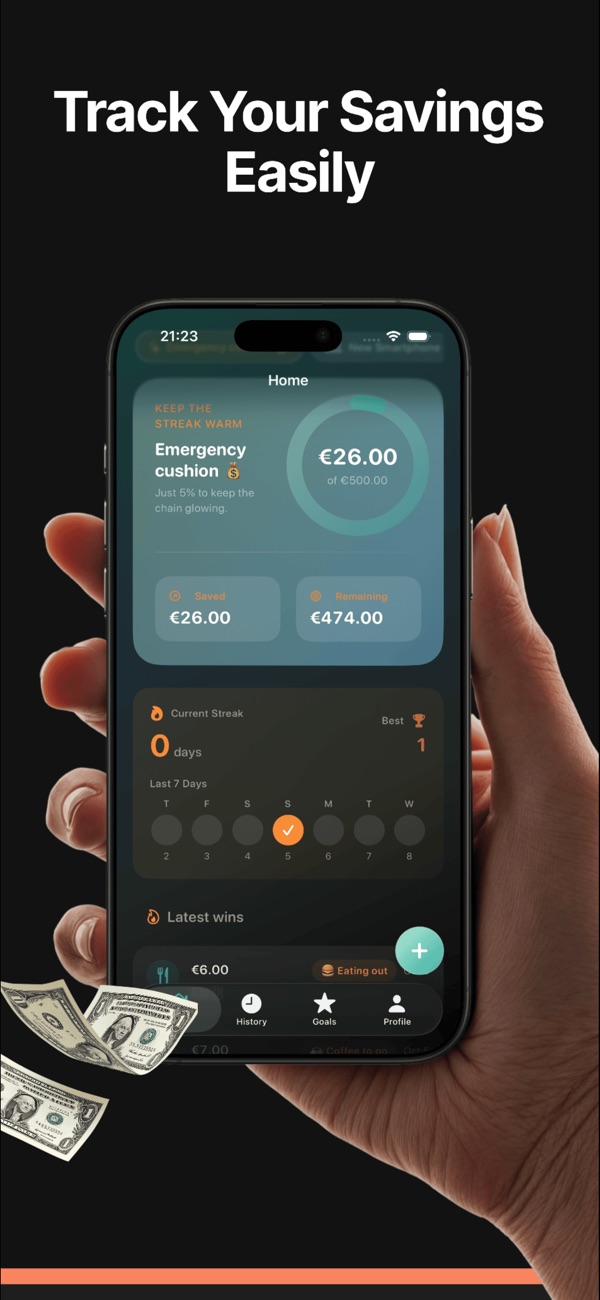
Review the momentum
Use history, charts, streaks, and goal progress to see which choices are actually adding up and where reminders can help next.
Private savings entries, no account required
SaveTap stores savings entries, goals, notes, categories, places, reminders, and app settings locally on your device. The App Store privacy listing states that the developer does not collect data from this app.
FAQ
Common questions before you install.
What is SaveTap for?
SaveTap is a savings tracker for logging daily spending choices, setting money goals, reviewing progress, and using nudges to reduce impulse spending.
Can SaveTap remind me at specific places?
Yes. SaveTap includes geofence-style nudges so you can receive reminders near places where you tend to overspend, such as coffee shops or convenience stops.
Does SaveTap need an account?
No. The core savings tracker workflow is designed around local device data and does not require an account.
Does SaveTap collect my financial data?
The App Store privacy listing says data is not collected from this app, and the app privacy policy says user-entered savings information remains on the device.
Is SaveTap free?
SaveTap is free to download on the App Store. Optional in-app purchases may unlock additional entries, insights, reminders, and motivation features.